
Your Law Firm Has More Internet-Facing Doors Than You Think
Your law firm's external attack surface includes cloud applications, portals, guest accounts and login recovery–not only servers and firewalls.
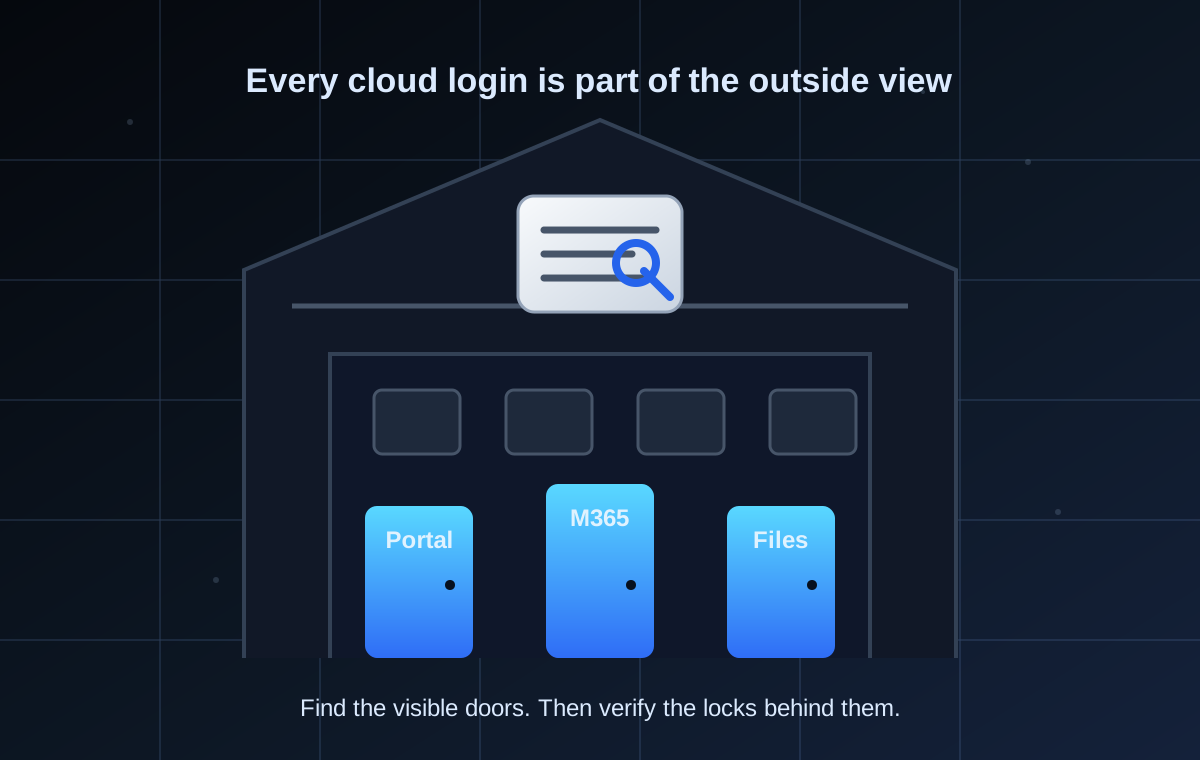
Your Law Firm Has More Internet-Facing Doors Than You Think
Your firewall can be working. Your office computers can be hidden behind a router. Your servers can have no obvious ports open.
Your law firm may still have dozens of doors reachable from the public internet.
Every cloud application has a login page. Every client portal has user accounts. Every file-sharing platform has permissions, recovery procedures, and potentially external guests. These systems are supposed to be available online–but that also makes them part of the firm's external attack surface.
Recent breaches at Quinn Emanuel and McDermott show why that broader definition matters. The manager's question is simple: do we know every online doorway that can lead to firm or client information?
One account opened one application
Reuters reported on September 3, 2026 that both firms experienced social-engineering incidents involving a single user and a limited number of documents.
Quinn Emanuel said an unauthorized third party gained access to stored files in one software application through a temporarily compromised user account. A limited number of client documents were affected.
McDermott similarly described an isolated incident involving one user and limited documents. Its regulatory filing identified Social Security numbers and health records among the affected information.
The available reporting does not identify the application involved in either incident, disclose the precise social-engineering methods, or establish that either firm had an exposed server or misconfigured cloud platform. The incidents were not publicly linked, and speculation about their causes would be irresponsible.
But the confirmed facts support an important lesson:
For the incident details and identity-control questions, read Quinn Emanuel and McDermott Breaches: One Account Can Be Enough.
Your external perimeter is no longer only at the office
The old security perimeter was easy to picture: a building, a router, a firewall, and the computers behind them.
That model no longer describes how most law firms work. Attorneys and staff may reach email, files, and case information from home, court, a client's office, or a mobile device. The applications providing that access often sit beyond the firm's physical network and beyond equipment the firm owns.
The firm's internet-facing doors may include:
- Microsoft 365 and other email platforms
- Document- and practice-management systems
- Client intake and document-upload portals
- Cloud storage and file-sharing services
- Electronic-signature platforms
- Billing, payment, and trust-account applications
- Payroll, benefits, and human-resources systems
- Litigation-support and discovery platforms
- Vendor support and administrative portals
Not every application contains client files. Not every login page creates the same risk. But every system that can be reached from outside the office should be known, owned, and governed.
The same logic applies to traditional remote-access tools. In We Found Your Law Firm's Remote Desktop Online, the issue was a visible Remote Desktop login. Here, the door may be a cloud portal, file-sharing app, or vendor console. Different technology, same leadership question: why is it visible, who owns it, and what protects it?
One application can contain several different doors
The visible login page is only the most obvious entrance. A cloud application may also have:
- Administrator and ordinary user accounts
- Guest or client accounts
- Shared links that work without a full account
- Mobile and desktop sessions that remain signed in
- Password-reset and account-recovery procedures
- Vendor or MSP administrative access
- Service accounts, API keys, and third-party integrations
- Former employee or contractor accounts that were never removed
This is why buying multifactor authentication does not complete the job. MFA is an important control, particularly when phishing-resistant methods are used. But a strong login can still be undermined by an unsafe recovery process, excessive privileges, unmanaged guest access, stolen sessions, or an application nobody remembered to include in the firm's security program.
Internet-accessible does not automatically mean vulnerable
A cloud application must generally be reachable from the internet to perform its intended function. Its presence online is not proof of a security defect.
The risk appears when the firm cannot establish:
- Who owns the application
- What information it contains
- Which users and outsiders can access it
- Whether strong authentication is enforced
- How password and MFA resets are approved
- Whether external sharing is restricted and reviewed
- Whether unusual logins and downloads are monitored
- Whether access is removed when a relationship ends
The distinction should remain clear:
- Visibility means an application, portal, or login can be observed from outside the firm.
- Vulnerability means a weakness has been identified and validated.
- Compromise means an unauthorized party actually obtained access.
An external login page establishes visibility. It does not, by itself, establish vulnerability or compromise. But it gives the firm a specific asset to validate instead of an assumption that "IT handles the cloud."
The forgotten application may be the weakest one
Applications accumulate quietly. A trial platform becomes permanent. A vendor creates a support account. A litigation team adopts a file-sharing service for one matter. A former employee leaves, but a guest invitation or mobile session remains active.
These overlooked systems are dangerous because they may sit outside normal reviews. The firm may patch its firewall and strengthen Microsoft 365 while an older portal still contains documents, uses weaker authentication, or sends no useful security alerts.
The central question is not, "Do we use the cloud?"
It is: Can we produce a reliable inventory of every external application that can lead to firm or client information?
Seven questions for firm leadership
A managing partner does not need a diagram of every technical integration. Leadership does need clear answers to seven questions:
- Which cloud applications and external portals does the firm use today?
- Who is the business owner and technical owner for each one?
- What client, employee, financial, or operational information does each application contain?
- Who can sign in, and what authentication and recovery controls protect those accounts?
- Which clients, vendors, guests, and third-party integrations retain access?
- Would anyone detect an unusual login, mass download, or new external-sharing rule?
- How quickly are accounts, sessions, shared links, and integrations removed when they are no longer needed?
If the answers exist only in an MSP's ticketing system–or must be reconstructed after an incident–the firm does not yet have an effective external application inventory.
This is not merely a technical concern. ABA Formal Opinion 483 discusses lawyers' responsibilities following a breach and the need for reasonable efforts to monitor technology resources. The precise ethical, contractual, and legal obligations depend on the applicable jurisdiction and facts, but responsibility for client information does not disappear because a third-party platform stores it.
What to do next: find the doors, then examine the locks
An outside-in review can identify publicly observable pieces of the firm's footprint: login portals, forgotten subdomains, remote-access services, email infrastructure, certificates, and technology clues. It helps answer, "What doors can an outsider see?"
It cannot determine whether every cloud account uses phishing-resistant MFA, whether internal permissions follow least privilege, or whether an external guest can still download a matter file. Those questions require authorized access to settings, logs, and internal processes.
That creates a practical two-step approach:
- Identify the external footprint. Determine what applications, portals, and services are publicly associated with the firm.
- Validate the controls behind it. Review authentication, recovery, privileges, sharing, monitoring, and offboarding for the applications that matter.
Request a Free Zero-Access Exposure Review™ to see what an outsider can learn about your firm without credentials or internal access. The report renders in your browser after work-email verification; the submitted domain is not stored beyond the verification window, and scan findings are not saved.
If the review surfaces cloud portals, remote-access services, or other assets that deserve a deeper look, the next step is our Security Baseline Assessment. It validates identity, sharing, recovery, logging, and access controls with authorized evidence.
The lesson from the Quinn Emanuel and McDermott incidents is not that every cloud application is unsafe. It is that one application and one account can hold information important enough to create a client, legal, and reputational problem.
Your firm cannot protect a door it does not know exists.
Related reading
- Quinn Emanuel and McDermott Breaches: One Account Can Be Enough
- We Found Your Law Firm's Remote Desktop Online – Will a Hacker Be Next?
- What Is External Attack Surface Management (EASM) for a Law Firm?
- Microsoft 365 Data Protection for Law Firms: DLP, Labels, and Sensitive Data
Sources
- Reuters: Data at law firms Quinn Emanuel, McDermott exposed in cyber breaches
- Vermont Attorney General: Security Breach Notices
- CISA: Secure Cloud Business Applications Project
- CISA: More Than a Password
- American Bar Association: Formal Opinion 483
This article is informational and does not constitute legal or compliance advice. Details regarding the Quinn Emanuel and McDermott matters are drawn from public reporting and regulatory filings; the responsible party or parties had not been publicly identified at the time of writing.